


As a WordPress site owner, it’s important to make sure that you’re doing everything you can to optimize your site for search engines. One of the best ways to do this is with a WordPress SEO plugin. There are so many SEO plugins available for WordPress that it can be hard to choose the best one for your website. However, by considering a few key factors, you can narrow down your choices and find a plugin that will work well for your needs.
The Best WordPress SEO Plugin
The best WordPress SEO plugin is the one that gives you the controls your website needs and makes them manageable for the people maintaining it.
SEOPress, Rank Math, Yoast SEO, SmartCrawl, and All in One SEO are five established options worth considering. Each offers a different mix of controls, guidance, integrations, and paid features. There is no useful universal winner without first knowing what your site needs.
AI coding agents introduce another option: you can use them to help build a custom SEO plugin. That can make sense when you know exactly what it should do and can arrange competent review, testing, and maintenance. If you cannot clearly define the SEO requirements, choose a maintained, ready-made plugin.
Start with the SEO job, not the plugin brand
An SEO plugin gives you ways to manage parts of your site’s search presentation and technical output. Depending on the product and plan, that can include titles, descriptions, indexation settings, canonical URLs, sitemaps, structured data, social sharing metadata, and redirects.
It does not decide your business positioning, make an inaccurate article useful, or guarantee that a search engine will rank a page. An optimisation score is feedback from that plugin’s checks, rather than a score assigned by Google.
Before comparing products, list the page types you publish, the controls you need, who should edit them, and any existing tools that already provide them. A small service website, a multilingual publisher, and a WooCommerce shop may need very different configurations.
Five WordPress SEO plugins to shortlist
The comparison below is an editorial guide to what to investigate, not a performance benchmark or a ranking from first to fifth. Features and plan boundaries can change. Verify the exact edition, integrations, and renewal terms before committing.
| Plugin | Worth evaluating for | Check before choosing |
| SEOPress | Configurable controls and white-label workflow | Edition coverage and editor integration |
| Rank Math | Broad, module-based SEO toolkit | Required modules, settings and paid features |
| Yoast SEO | SEO and readability guidance for publishers | Editorial fit and required package |
| SmartCrawl | SEO within a WPMU DEV management setup | Standalone needs versus subscription benefits |
| All in One SEO | Guided setup and an expandable suite | Plan coverage and day-to-day usability |
SEOPress: consider the controls and editing workflow
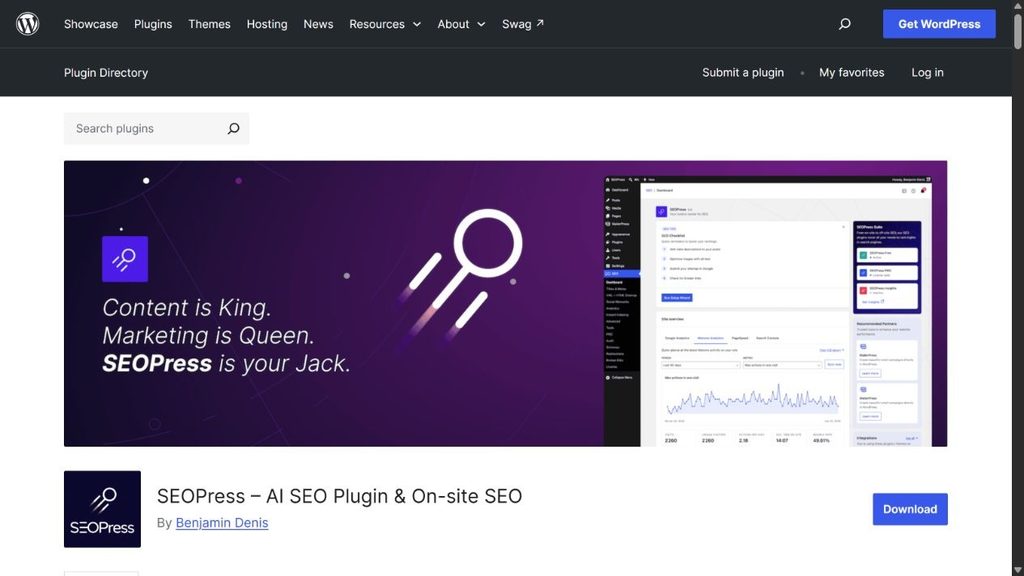
SEOPress – View plugin page.
SEOPress documents title and description templates, canonical and robots controls, XML sitemaps, and social metadata. Its offering also includes paid tools for areas such as advanced schema, redirection management, and specialised site needs. The product is modular and promotes white-label options.
Shortlist it when you want to evaluate a configurable toolkit and how comfortably it fits your editing process. Test the controls with your actual page builder, custom fields, and page types. Confirm which features belong to the free plugin and which require another licence or service.
Rank Math: consider a broad modular toolkit
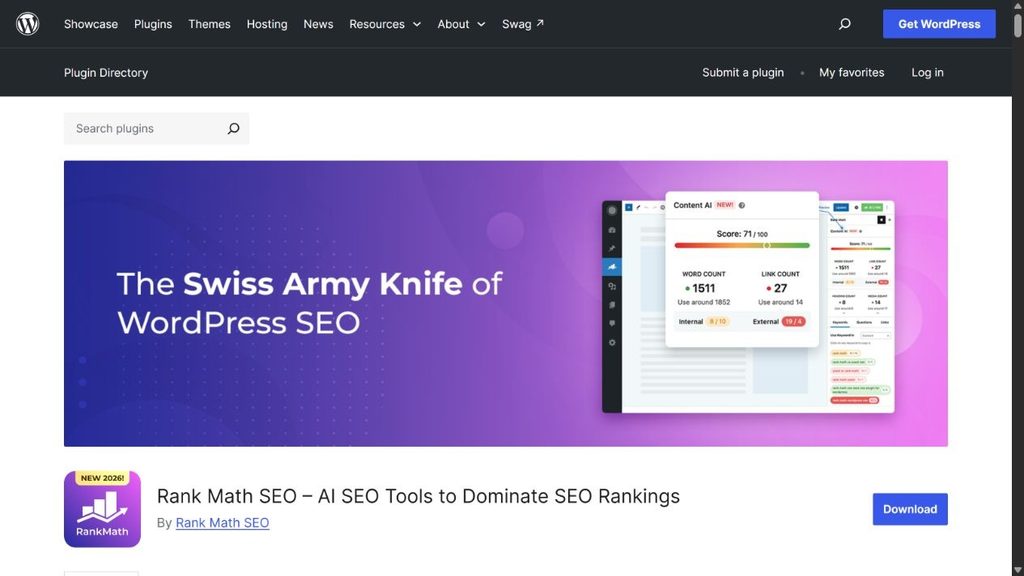
Rank Math – View plugin page.
Rank Math’s documentation lists a module-based approach, content analysis, XML sitemaps, schema tools, a redirection manager, and 404 monitoring. Its paid offering extends areas such as schema, reporting, and other workflows.
It is worth evaluating when you want several SEO functions in one interface. Start with the modules your site actually needs and assess their configuration. A longer feature list is useful only when those features solve an identified problem and someone will manage them.
Yoast SEO: consider the publishing guidance
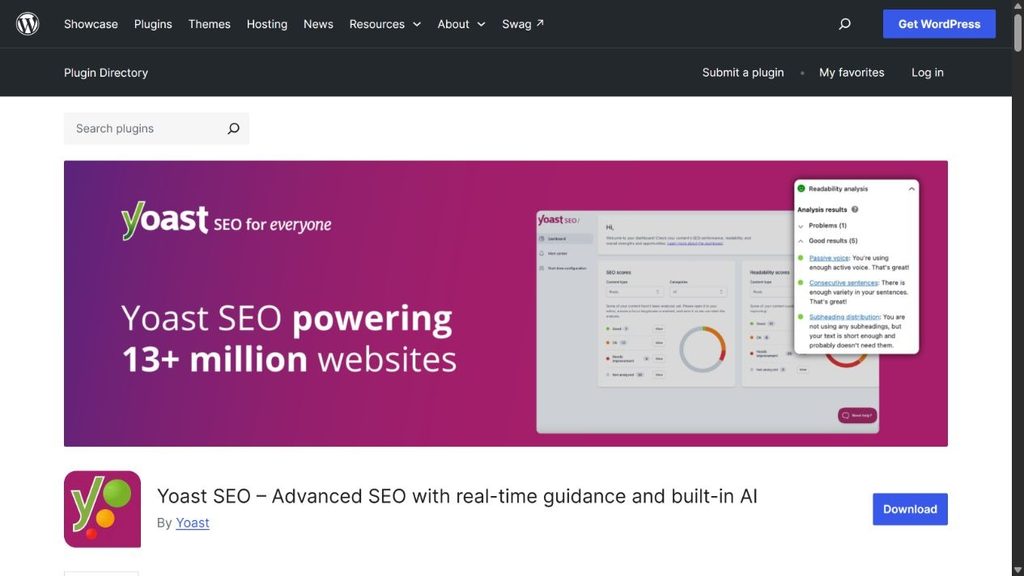
Yoast SEO – View plugin page.
Yoast documents SEO and readability analysis alongside technical features such as sitemaps and structured data. Its visible feedback is a major part of the editing experience, with additional capabilities in its paid products.
Evaluate it with the people who write and approve your content. Do the prompts help them improve a page, or do they encourage unnecessary edits merely to change an indicator? Keep editorial judgment in charge, and check the current package if you need redirects or specialist features.
SmartCrawl: consider its place in your management setup

SmartCrawl – View plugin page.
SmartCrawl offers SEO checks, metadata controls, sitemap functionality, and other optimisation tools. WPMU DEV also offers SmartCrawl Pro within its wider product and support ecosystem.
It is a relevant option to investigate if that ecosystem already forms part of your WordPress management process. Compare the standalone requirements and any subscription benefits you would actually use. Check the free and Pro feature lists rather than assuming the full set is included.
All in One SEO: consider a guided suite
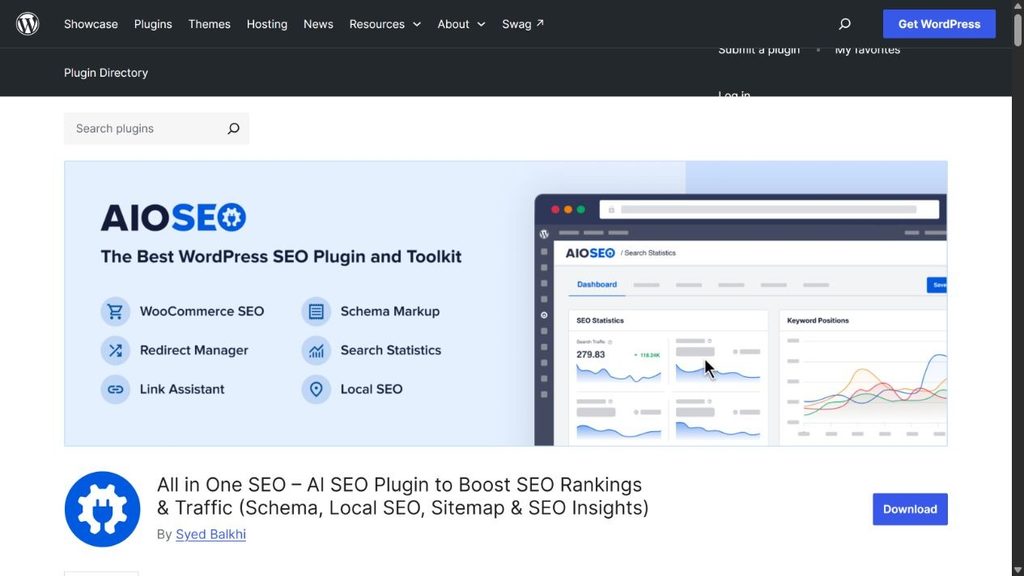
All in One SEO – View plugin page.
All in One SEO, also called AIOSEO, documents a setup wizard, TruSEO content analysis, title and description controls, sitemaps, and structured data. Its paid products include further capabilities such as redirection management, local SEO, and ecommerce tools.
Consider it when you want to assess a guided setup and a suite that can extend with the site. Make sure your required feature belongs to the proposed plan, and test how the workflow works for an editor rather than judging only the setup demonstration.
Define the features you need before choosing
Titles and meta descriptions
Decide whether you need site-wide templates, individual overrides, custom-field variables, or bulk editing. Specify what happens when an editor leaves a field empty. Check the actual page output, including titles with punctuation, long names, and missing optional data.
Also separate the SEO title from the visible H1. They can work together without becoming the same control. Your template should produce sensible defaults while letting an editor make a deliberate exception.
Indexation and canonical controls
Decide which post types and archives should be eligible for search and who can change that policy. Google explains that noindex is used to prevent a page appearing in search, while canonical annotations indicate a preferred URL among duplicate or similar pages. These controls have different purposes.
Do not apply a blanket rule to all tags, categories, filters, or author pages without reviewing their role. Record the intended behaviour, test representative URLs, and make sure another component is not outputting conflicting instructions.
Sitemaps and content discovery
WordPress includes a core sitemap system, so identify what the site already produces before adding another implementation. Decide whether you need additional control over post types, taxonomies, exclusions, or specialised sitemap formats.
Google describes sitemaps as a way to help search engines discover URLs, not a guarantee that every listed page will be crawled or indexed. Check that the sitemap works and reflects your intended public content.
Structured data, social previews and redirects
List the actual entities and page types you need to describe, such as an organisation, article, product, or local business. Check which part of the stack already generates that data and what the proposed plugin will add.
For sharing, check the title, description, and image used in a preview. For redirects, decide whether you need a few manual rules, an import workflow, or ongoing management of changed URLs. These are separate requirements, even when one product groups them together.
Compatibility and editorial permissions
Test the plugin with the theme, page builder, language setup, caching, custom post types, and ecommerce features you actually use. Check whether editors can manage the fields they need while sensitive site-wide controls remain with the appropriate people.
Give each major output a clear owner. Avoid running overlapping SEO suites with duplicate title, canonical, robots, or schema output. Separate specialist tools can coexist when their responsibilities are deliberately configured.
Can an AI agent help you build your own SEO plugin?
Yes. An AI coding agent can help turn a written specification into WordPress plugin code, explain an implementation, and assist with tests and revisions. The WordPress Plugin Handbook provides the underlying development concepts, including hooks, settings, metadata, and security practices.
The harder decision is whether custom development is appropriate. Asking an agent to “make an SEO plugin” leaves it to invent rules that affect your site. A precise brief defines what to output, when to output it, which data to use, and how the result should behave when that data is missing.
A focused extension may be more practical than replacing an entire suite. For example, you might retain an established plugin and add a documented integration that populates one field from an internal content system. Check the existing plugin’s supported interfaces before creating a second system for the same output.
When a custom plugin makes sense
Consider a custom build when the requirement is narrow, existing products do not meet it cleanly, and you can explain the expected behaviour in testable terms. You also need someone who can review the code, verify the SEO decisions, and maintain it after WordPress or related components change.
Possible reasons include an unusual internal publishing workflow, a specific metadata integration, or tightly defined rules for a custom content type. These are examples of a decision process, not evidence that a custom plugin will be faster, cheaper, or better at ranking.
When a ready-made plugin is the better choice
Use an established plugin when you are still learning which controls you need, rely on guided editing, or require a broad collection of features and support. It is also the stronger default when nobody has responsibility for reviewing and maintaining custom code.
A pre-made tool still needs configuration and review. Its advantage in this situation is that you can select from documented features rather than simultaneously discovering the SEO requirements and building the software to implement them.
Write a feature specification before asking an agent to code
A useful specification describes outcomes, limits, and acceptance checks. Use the following example as a planning exercise, not a recommendation to replace your current plugin.
- Scope: manage SEO title and description fields for a defined custom post type.
- Defaults: use a documented title template when no manual override exists.
- Overrides: allow authorised editors to change those fields per item.
- Output: produce the intended metadata without duplicating another component’s output.
- Existing behaviour: leave canonical, indexation, sitemap, schema, and redirect responsibilities with their current owners.
- Verification: compare the saved field values with the resulting page source for normal and edge cases.
- Maintenance: document settings, data storage, dependencies, and the rollback process.
If the project replaces a full SEO suite, the specification must address every responsibility that suite currently performs. A small title-and-description plugin is not an equivalent replacement for a configured system handling archives, canonical rules, sitemaps, schema, and redirects.
Ask the agent to identify uncertainties before implementation. Questions about empty fields, archive pages, translated content, pagination, or conflicting output should be resolved in the requirements rather than left to assumptions.
Test behaviour, not just whether the plugin activates
A plugin that installs successfully has passed only an initial check. On a staging copy, verify that it stores the intended settings, outputs the expected tags, and behaves correctly across the page types in scope.
For custom code, include a competent security review. WordPress guidance covers permissions, input validation and sanitisation, output escaping, and request protection. Generated code needs those checks just as manually written code does.
Test updates, cache behaviour, and conflicts with the rest of the stack. Check what happens when the plugin is deactivated and whether settings or metadata can be exported. Keep a working rollback route before changing a live site.
Measure performance on your actual setup if performance motivates the change. Fewer lines of code or fewer visible settings do not, by themselves, demonstrate a faster website.
Does AI search change which SEO plugin you need?
AI features in a plugin and visibility in AI search are different questions. One feature might help draft metadata; another might connect a coding or management agent to the site. Neither feature alone proves the site will appear in an AI answer.
Google says established SEO practices still apply to AI Overviews and AI Mode. Its guidance does not require special AI markup or a new AI text file to appear in those features. Evaluate proposed additions against the relevant platform’s documentation rather than treating an “AI-ready” label as a result.
Keep the underlying job in view: accurate content, accessible pages, coherent technical output, and a useful visitor experience. A plugin helps manage parts of that work; it does not replace the strategy.
Switch plugins carefully
Before moving from one product to another, back up the site and record the existing settings. Test the importer on staging, then compare important page types and outputs. Import success does not remove the need to check the result.
Inspect manual titles and descriptions, archive rules, canonical URLs, sitemap contents, structured data, social metadata, and redirects where relevant. Retain the old configuration until you can confirm the replacement is behaving as intended.
Do not switch solely because another plugin shows a higher optimisation score. Start with a specific limitation you need to solve, then decide whether a configuration change, extension, or replacement is justified.
Watch the original WordPress SEO plugin video
The video from the original article is retained below. Use this updated guide to assess current features and the additional option of AI-assisted custom development.
Watch the original video on YouTube:
Choose a tool your team can use and maintain
If you need a practical starting point, compare SEOPress, Rank Math, Yoast, SmartCrawl, and All in One SEO against your feature list. Test the editor experience and the output on representative pages before committing.
If you know exactly which SEO features you need and can maintain the result, a custom plugin built with an AI coding agent is a valid option to investigate. If you are unsure what belongs in the specification, use a maintained, pre-made plugin and get help with its configuration.
TBS Marketing can help identify the controls your WordPress site needs, assess your current setup, and plan an appropriate configuration or development brief. Which SEO task is your current plugin failing to solve?

